
Power Automate

Multi-Currency, Multi-Site, & Multi-Language Features

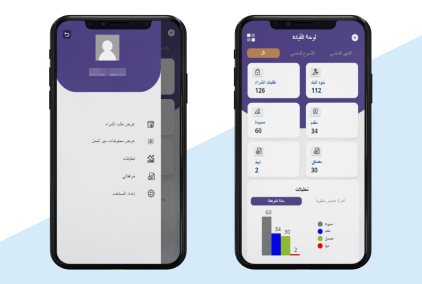
Microsoft Power Automate offers multi-currency, multi-site, and multi-language features that enhance automation capabilities for organizations operating in diverse global environments. With multi-currency support, Power Automate enables organizations to automate workflows involving financial transactions across different currencies. The system can handle currency conversions, calculate exchange rates, and perform automated currency-related tasks, providing accuracy and consistency in financial processes. This functionality is particularly valuable for organizations with international operations or those conducting business in multiple countries.

Moreover, Power Automata's multi-language support empowers organizations to create automated workflows and notifications in multiple languages. This feature enables organizations to deliver personalized and localized experiences for customers, partners, and employees across different regions. It ensures that automation processes and communication are easily understood and accessible to users in their preferred language, improving user engagement and overall efficiency. With Microsoft Power Automate's multi-currency, multi-site, and multi-language features, organizations can automate workflows effectively in diverse global settings, ensuring smooth operations and enhancing user experiences.

Effortlessly Raise Requisitions

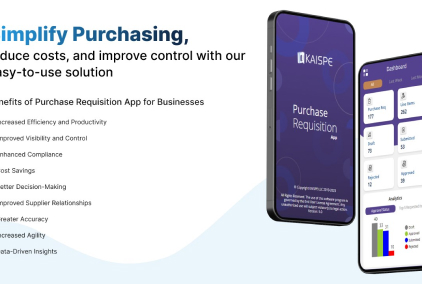
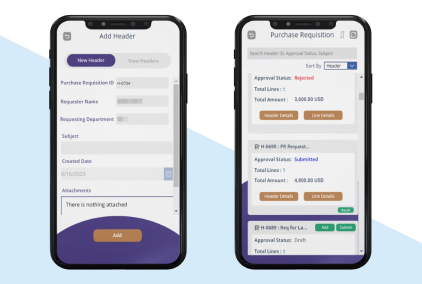
Microsoft Power Automate simplifies the process of raising requisitions by automating and streamlining the workflow. With Power Automate, users can create custom flows that automate the requisition process, eliminating the need for manual tasks and paperwork. For example, when a user submits a requisition request, Power Automate can automatically route the request to the appropriate approver based on predefined rules and hierarchies.

Several Workflow Configuration

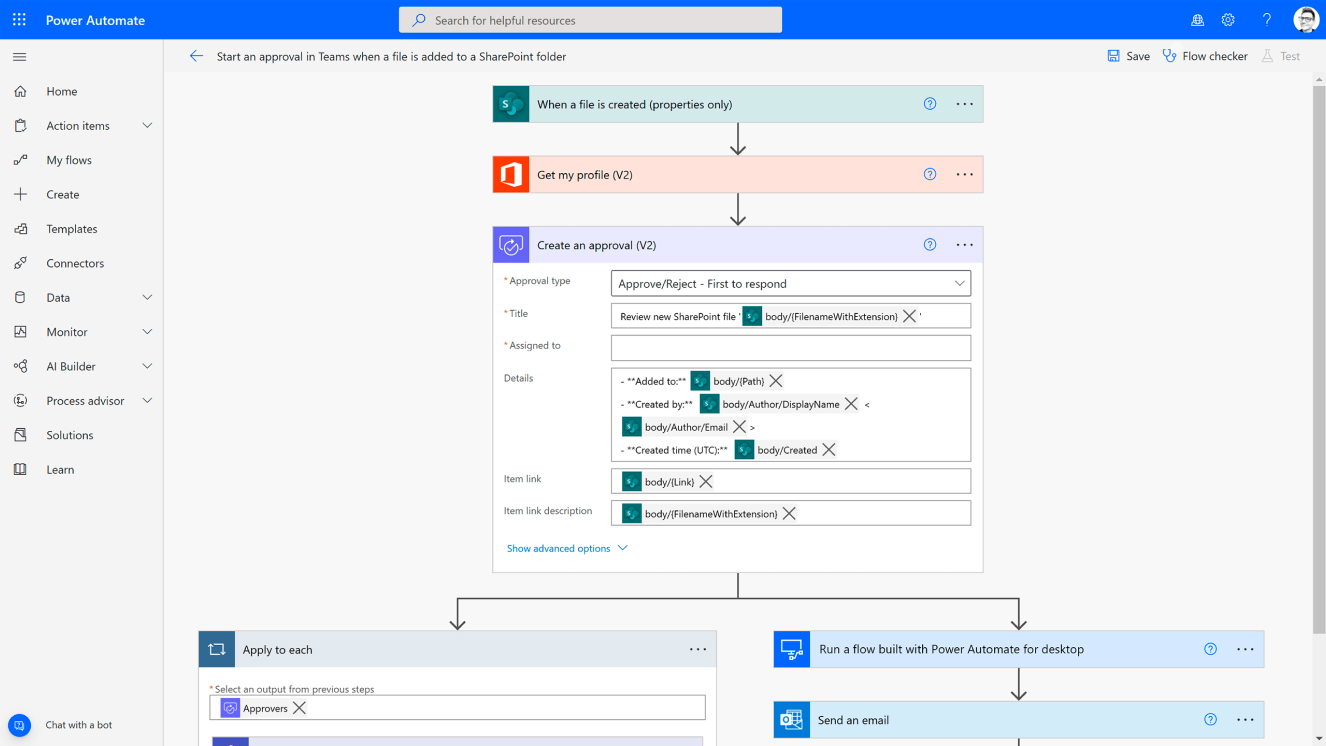
Microsoft Power Automate provides organizations with the flexibility to configure several workflows to automate various business processes. With Power Automate, users can create custom workflows and automate repetitive tasks across different applications and services. The system offers a wide range of pre-built templates and connectors that simplify the process of workflow configuration. Users can easily define triggers, conditions, and actions to automate tasks, such as sending notifications, updating data, or creating records.

Approval History

Microsoft Power Automate offers a robust approval history feature that provides transparency and traceability in the approval process. With Power Automate, organizations can track and maintain a comprehensive history of all approval actions and decisions made within workflows. This allows users to view the complete approval trail, including the date, time, approver, and status of each approval step. The approval history feature provides an audit trail, making it easy to identify bottlenecks, track the progress of approvals, and analyze the overall efficiency of the approval process.

For More Information Talk To An Expert From ITIS Global

User Friendly & User Familiar Screens

Microsoft Power Automate offers a user-friendly and familiar interface that makes it easy for users to create and manage workflows. With its intuitive design and drag-and-drop functionality, Power Automate enables users to visually construct workflows without the need for extensive coding knowledge. The interface is designed to be user-friendly, with clear and concise options for adding actions, configuring triggers, and defining conditions.